Multimedia guides are dynamic learning tools, leveraging various formats like video and audio to enhance understanding. They’ve evolved from simple audio tours
to interactive experiences, offering engaging content for diverse learners. These guides provide accessible and immersive educational pathways.
What is a Multimedia Guide?
A multimedia guide represents a significant shift in how information is delivered, moving beyond traditional text-based methods. It’s an educational resource that integrates multiple forms of content – text, audio, images, video, and interactive elements – to create a richer and more engaging learning experience. Essentially, it’s a digital companion designed to guide users through a subject, concept, or process.
These guides aren’t simply collections of media; they are carefully constructed narratives. They utilize narration to walk audiences through complex ideas, while strategically placed sound effects and music enhance emotional resonance and draw attention to key points. Video clips demonstrate processes or showcase real-world applications, making abstract concepts more concrete.
Furthermore, multimedia guides often incorporate interactive components, such as clickable content or dynamic reveals, empowering learners to explore information at their own pace. They can range from simple slideshows with audio to sophisticated interactive simulations. The core principle is to cater to diverse learning styles and maximize comprehension through a multi-sensory approach.
The Evolution of Multimedia Guides
The journey of multimedia guides began with rudimentary audio tours, primarily used in museums to supplement static exhibits. These early iterations offered a basic level of engagement, providing spoken commentary alongside visual displays. However, the advent of digital technology sparked a rapid evolution, transforming these simple audio experiences into dynamic, interactive learning tools.
The introduction of CD-ROMs and later, the internet, allowed for the integration of images, video, and basic animations. This marked a significant leap forward, enabling more comprehensive and visually appealing guides. As bandwidth increased and software became more sophisticated, interactivity became a key feature, with clickable elements and simulations enhancing user engagement.
Today, multimedia guides are often delivered via smartphones and tablets, leveraging the power of mobile technology. They can incorporate features like GPS tracking, augmented reality, and personalized content; The future promises even more immersive experiences, potentially utilizing virtual reality and artificial intelligence to create truly adaptive and engaging learning environments.
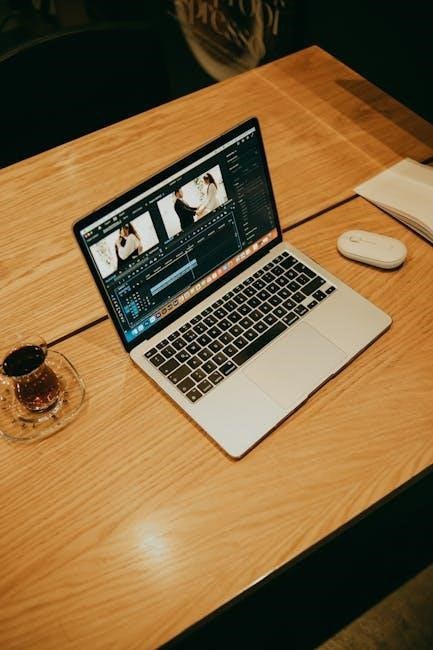
Types of Multimedia Resources
Multimedia guides utilize diverse resources: video clips demonstrating concepts, audio narration for clarity, interactive animations, screencasts for instruction, and foreign language examples
for broader understanding.
Video Clips & Demonstrations
Video clips stand as a cornerstone of effective multimedia guides, offering a dynamic and engaging way to convey information. They transcend the limitations of static visuals, allowing for the demonstration of complex processes, real-world applications, and compelling storytelling. Short videos or animations, for instance, can illustrate concepts far more clearly than text or images alone.
Within educational contexts, video clips are particularly valuable for subjects like Journalism, Creative Industries, and Media Studies. Clip analysis – examining editing techniques, continuity, sequencing, recording methods, and shot choices – becomes a powerful learning exercise. Furthermore, video facilitates conducting interviews with experts, providing authentic perspectives and enriching the learning experience.
The power of demonstration shouldn’t be underestimated. Showing how something works, rather than simply telling, significantly improves comprehension and retention. This is especially true for practical skills or technical procedures. Effective video demonstrations are concise, focused, and visually clear, ensuring the audience remains engaged and absorbs the key information. They are a vital component of modern multimedia guides.
Audio Narration & Sound Effects
Audio narration serves as a crucial guiding element within multimedia guides, enhancing accessibility and comprehension. A well-crafted narration can lead the audience through the content, providing context, explanations, and a sense of direction. It’s particularly beneficial for learners who prefer auditory learning styles or those with visual impairments.
However, effective audio goes beyond simple narration. Strategic use of sound effects and music can significantly elevate the learning experience. Music can establish a specific tone or create emotional resonance, fostering a deeper connection with the material. Sound effects, when used judiciously, can draw attention to key actions, transitions, or important information.
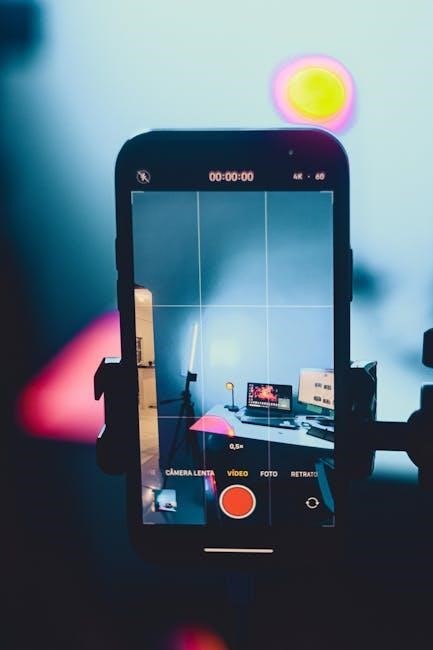
Crucially, audio quality is paramount. Narration must be clear, at an appropriate volume, and free from distracting background noise. Audio should complement, not overwhelm, the visual elements. A poorly produced audio track can detract from the overall experience, hindering learning rather than enhancing it. Thoughtful audio design is therefore integral to a successful multimedia guide.
Animations & Interactive Elements
Animations and interactive elements are powerful tools for boosting engagement and clarifying complex concepts within multimedia guides. Short videos or animations can demonstrate processes, illustrate abstract ideas, or showcase real-world applications far more effectively than static images or text alone. Motion naturally attracts attention and can guide the viewer’s focus.
However, the key to successful animation lies in subtlety and purposefulness. Overly flashy or distracting animations can detract from the learning experience. Animations should serve to explain and enhance, not simply entertain. Similarly, interactive elements – such as clickable content, reveals, or dynamic simulations – empower learners to explore information at their own pace.
These interactive features foster a sense of agency and control, leading to deeper understanding and retention. By allowing users to actively participate with the material, multimedia guides transform passive consumption into an active learning process. This blend of visual dynamism and user control is essential for creating truly impactful educational experiences.
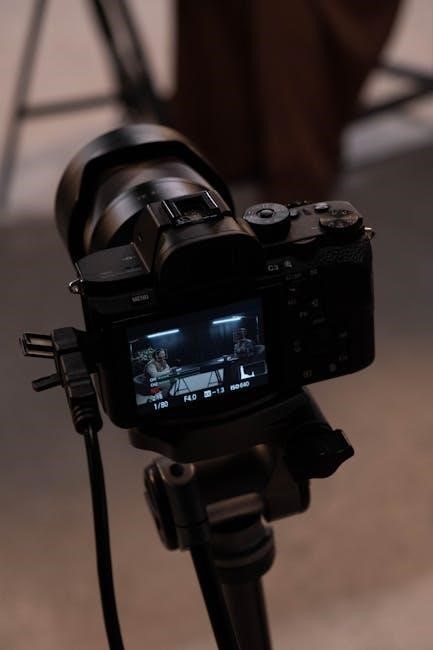
Screencasts & Instruction Guides
Screencasts and detailed instruction guides represent a highly practical application of multimedia guides, particularly within technical training and software tutorials. The readily available nature of screencast demonstrations for common computer programs makes them an incredibly efficient resource for learners of all levels.
These guides excel at providing step-by-step visual instructions, allowing users to follow along with a real-time demonstration of a process. This is especially valuable for tasks that are difficult to explain through text alone. A well-crafted screencast breaks down complex procedures into manageable steps, minimizing frustration and maximizing comprehension.
Effective instruction guides often combine screencasts with supplementary materials, such as written summaries or downloadable resources. This multi-faceted approach caters to different learning styles and reinforces key concepts. The accessibility and convenience of screencasts make them an invaluable component of modern multimedia learning strategies, offering just-in-time support and skill development.
Foreign Language Examples
Multimedia guides significantly benefit language learning by incorporating authentic, real-world examples of native speakers. Utilizing excerpts from foreign films, television programs, radio broadcasts, and platforms like YouTube provides invaluable exposure to natural pronunciation, intonation, and colloquialisms.
These resources move beyond textbook dialogues, immersing learners in the cultural context of the language. Analyzing clips allows students to observe how language is used in genuine communication scenarios, enhancing their listening comprehension and speaking skills. Exposure to diverse accents and speaking styles builds confidence and adaptability.
Integrating such examples into multimedia guides fosters a more engaging and effective learning experience. Learners can actively analyze linguistic features, cultural nuances, and non-verbal cues. This approach promotes a deeper understanding of the language and its associated culture, ultimately accelerating language acquisition and fluency.
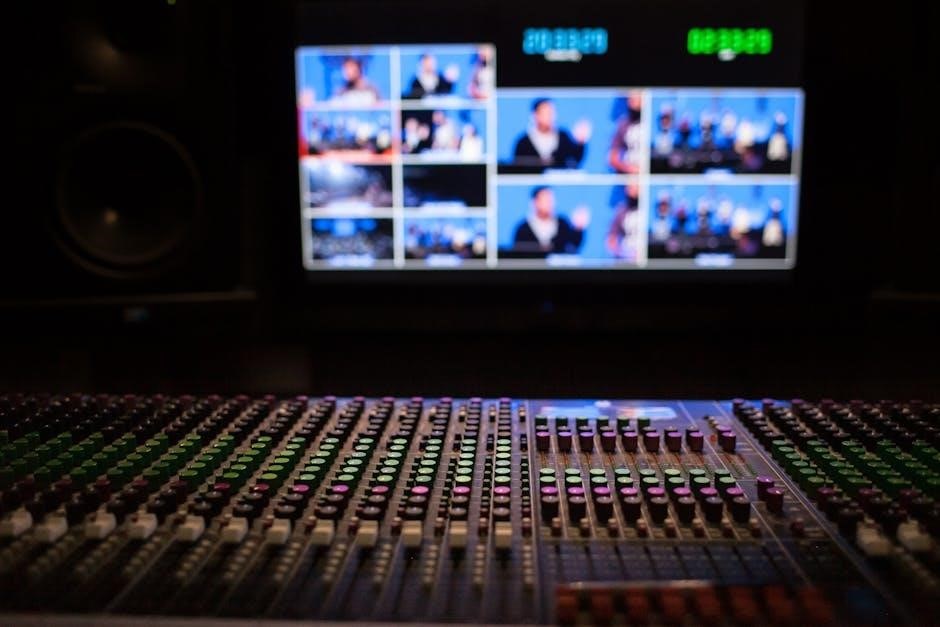
Why Use a Multimedia Guide?
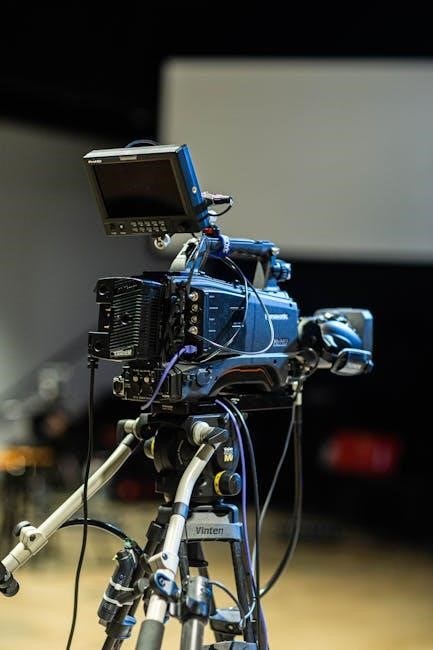
Multimedia guides boost learning and engagement through dynamic content. They clarify complex topics, improving comprehension, and offer accessibility for diverse learners, creating inclusive educational experiences.
Enhanced Learning & Engagement
Multimedia guides significantly elevate the learning experience by moving beyond traditional, static methods. The incorporation of diverse elements – such as compelling video clips, immersive audio narration, and interactive components – actively engages students in a way that text-based materials often cannot. This heightened engagement fosters a more profound connection with the subject matter, leading to improved retention and a more enjoyable learning process.
Clickable content and dynamic interactions empower learners to explore information at their own pace, catering to individual learning styles. Short videos and animations effectively demonstrate complex concepts, showcasing real-world applications and explaining processes with clarity. This visual approach is particularly beneficial for learners who benefit from seeing information presented dynamically. Furthermore, the use of sound – including music and sound effects – can create emotional resonance and draw attention to key elements, further enhancing engagement and comprehension. Ultimately, multimedia guides transform passive learning into an active, immersive, and highly effective experience.
Improved Comprehension of Complex Topics
Multimedia guides excel at simplifying intricate subjects, breaking down complex information into digestible segments. Visual demonstrations, like screencasts and animations, illustrate processes and concepts that would be difficult to grasp through text alone. This is particularly valuable when dealing with technical procedures or abstract ideas, offering a clear and concise visual representation.
The ability to demonstrate, rather than simply describe, significantly improves understanding. Video clips can showcase real-world examples, providing context and relevance to the material. Furthermore, the strategic use of audio narration guides the audience through the information, highlighting key points and reinforcing learning. By combining multiple sensory inputs – visual, auditory, and interactive – multimedia guides cater to diverse learning preferences and strengthen comprehension. This multi-faceted approach ensures that learners not only understand what is being taught, but also how it applies in practical situations, leading to a more robust and lasting understanding of challenging topics.
Accessibility & Inclusivity
Multimedia guides inherently promote accessibility by offering diverse content formats. Providing options like audio narration benefits visually impaired learners, while captions and transcripts support those with hearing difficulties. Foreign language examples broaden reach, catering to a global audience and fostering inclusivity within diverse learning environments. This adaptability ensures that educational materials are available to a wider range of individuals, regardless of their learning style or physical limitations.
Interactive elements further enhance accessibility, allowing users to control the pace and method of learning. Features like adjustable font sizes and screen readers improve usability for individuals with visual impairments or dyslexia. By thoughtfully incorporating these features, multimedia guides move beyond traditional learning barriers, creating a more equitable and inclusive educational experience. Ultimately, a well-designed multimedia guide empowers all learners to engage with the material effectively, fostering a sense of belonging and promoting equal access to knowledge.

Creating Effective Multimedia Guides
Effective guides demand careful planning and detailed storyboarding. Selecting appropriate multimedia formats is crucial, alongside prioritizing high audio and video quality for optimal engagement and clarity.
Planning & Storyboarding
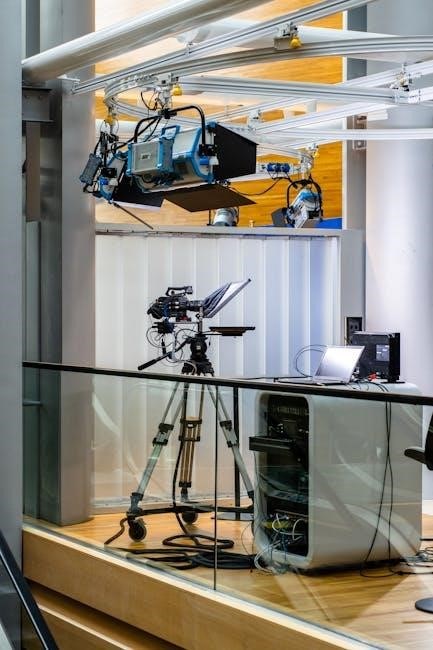
Planning is the cornerstone of any successful multimedia guide. Begin by clearly defining the learning objectives and target audience. What specific knowledge or skills should the user gain? Understanding your audience’s prior knowledge and learning preferences will shape your content and delivery. A detailed outline should map out the entire user journey, breaking down complex topics into manageable segments.
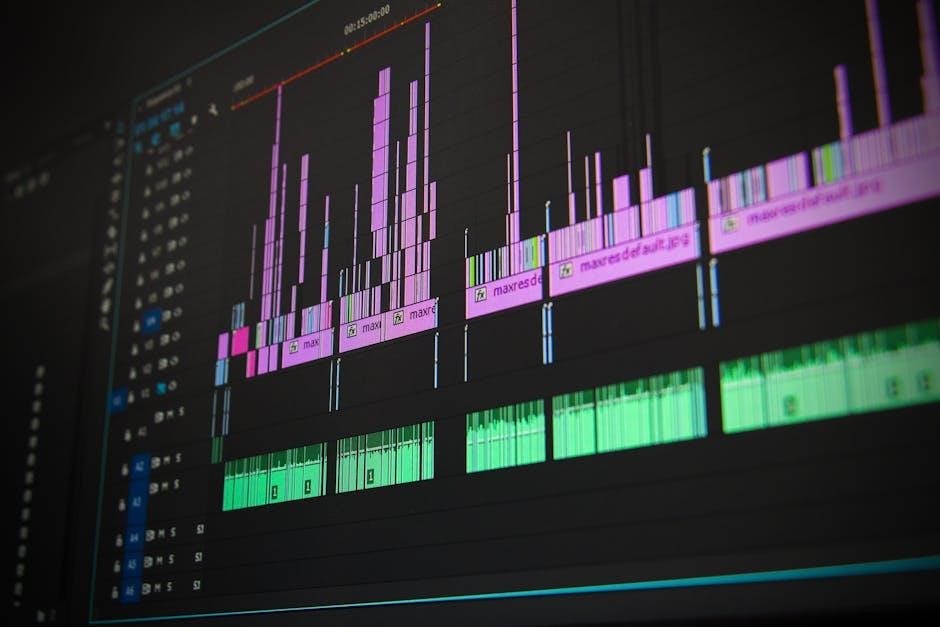
Storyboarding takes this plan a step further, visually representing each screen or segment of the guide. This includes sketching out visuals, writing accompanying narration, and noting any interactive elements. Consider the flow of information – how will users navigate through the guide? Storyboarding helps identify potential gaps in logic or areas where clarity can be improved. It’s also an excellent opportunity to experiment with different multimedia formats, such as video clips, animations, or interactive exercises. A well-crafted storyboard ensures a cohesive and engaging learning experience, preventing a disjointed or confusing presentation. Think about pacing and how to maintain user attention throughout the guide.
Choosing the Right Multimedia Formats
Selecting appropriate multimedia formats is crucial for effective knowledge transfer. Video clips excel at demonstrating processes or showcasing real-world examples, offering a dynamic and engaging experience. Audio narration provides a guiding voice, enhancing comprehension and setting the tone, while sound effects can highlight key actions or transitions.
Animations are ideal for illustrating abstract concepts or showing change over time, but should be subtle and purposeful, avoiding distraction. Interactive elements, like clickable content, encourage active participation and allow users to explore at their own pace. Don’t overlook the power of screencasts for software tutorials – many demonstrations already exist for common programs.
Consider your audience and learning objectives when making these choices. A complex process might benefit from a screencast, while emotional resonance could be achieved through music and narration. Prioritize clarity and ensure each format complements the overall message, rather than overwhelming the user.
Best Practices for Audio & Video Quality
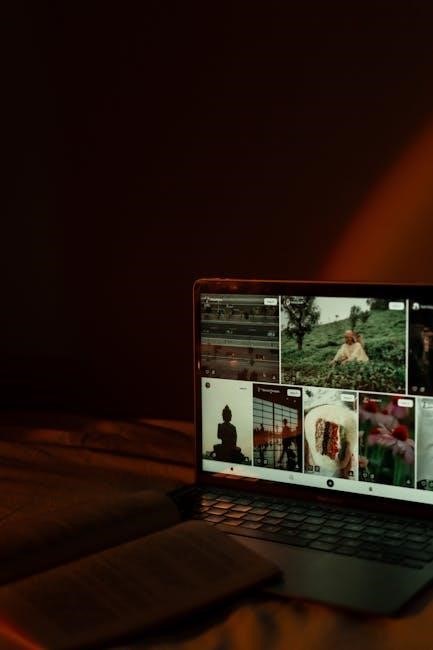
High-quality audio and video are paramount for a successful multimedia guide. Ensure audio is clear, free from background noise, and at an appropriate volume – it shouldn’t overpower the core message. Narration should be engaging and well-paced, guiding the audience effectively. Thoughtful use of music can enhance emotional resonance, but avoid anything distracting.
For video, prioritize stable footage and good lighting. Demonstrations should be well-framed and easy to follow. Editing should be seamless, with clear transitions and a logical flow. Keep videos concise and focused, respecting the audience’s time. Remember that subtle animation is more effective than flashy effects.
Regularly test your multimedia guide on different devices and platforms to ensure compatibility and optimal playback. Prioritize accessibility by including captions or transcripts for all audio and video content. A polished presentation builds credibility and enhances the learning experience.
Comments